You haven't signed in yet, you can have a better experience after signing in
*Please complete the payment within {{receiveCouponInfo.expire_at}}Previous use*
You haven't signed in yet, you can have a better experience after signing in



Activity Rules
1、Activity time:{{ info.groupon.start_at }} ~ {{ info.groupon.end_at }}。
1、Activity time:cease when sold out。
2、Validity period of the Group Buying:{{ info.groupon.expire_days * 24 }} hours。
3、Number of Group Buying:{{ info.groupon.need_count }}x。
Please Pay Attention
1、Teamwork process: Join/initiate a Group Buying and make a successful payment - Within the validity period, the number of team members meets the activity requirements - Group Buying succeeded!
2、If the number of participants cannot be met within the valid period, the group will fail, and the paid amount will be refunded in the original way.
3、The number of people required and the time of the event may vary among different products. Please pay attention to the rules of the event.

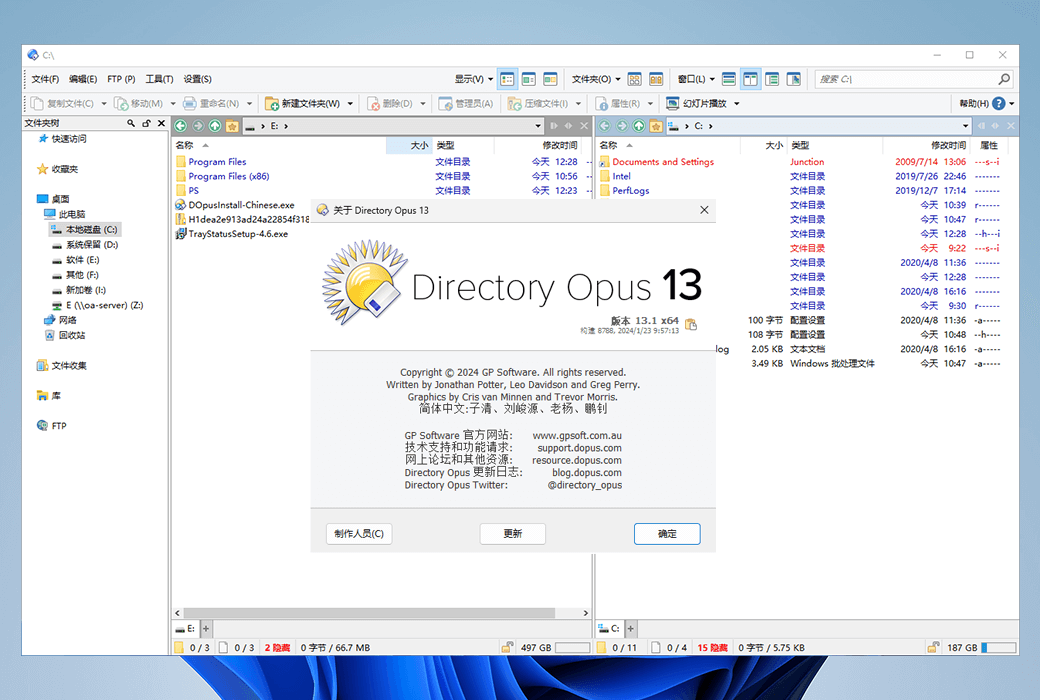
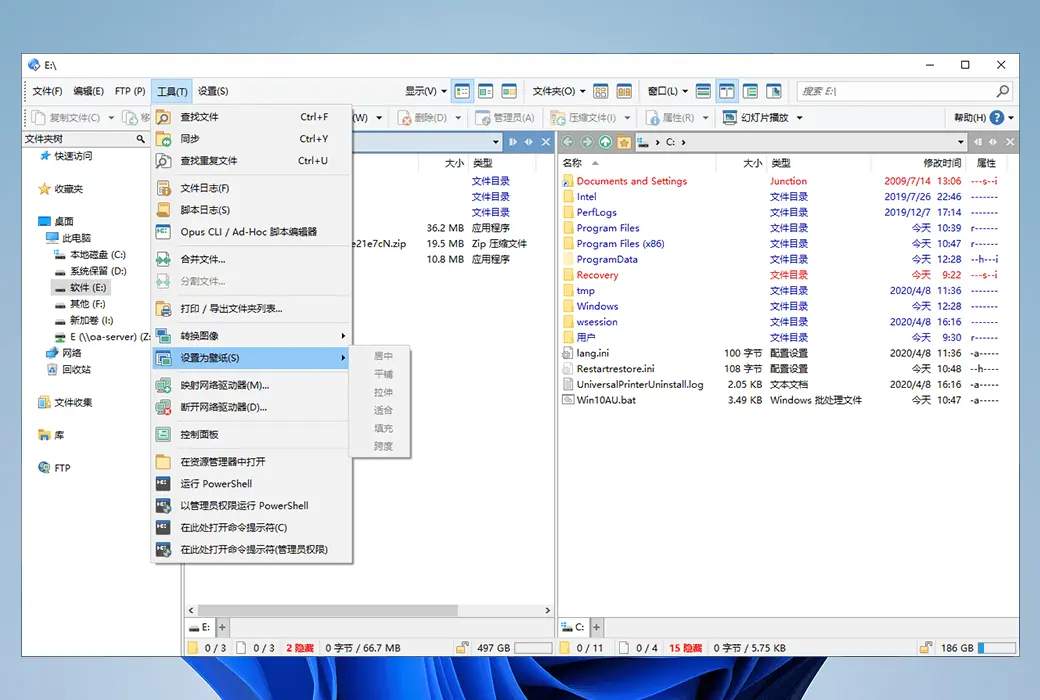
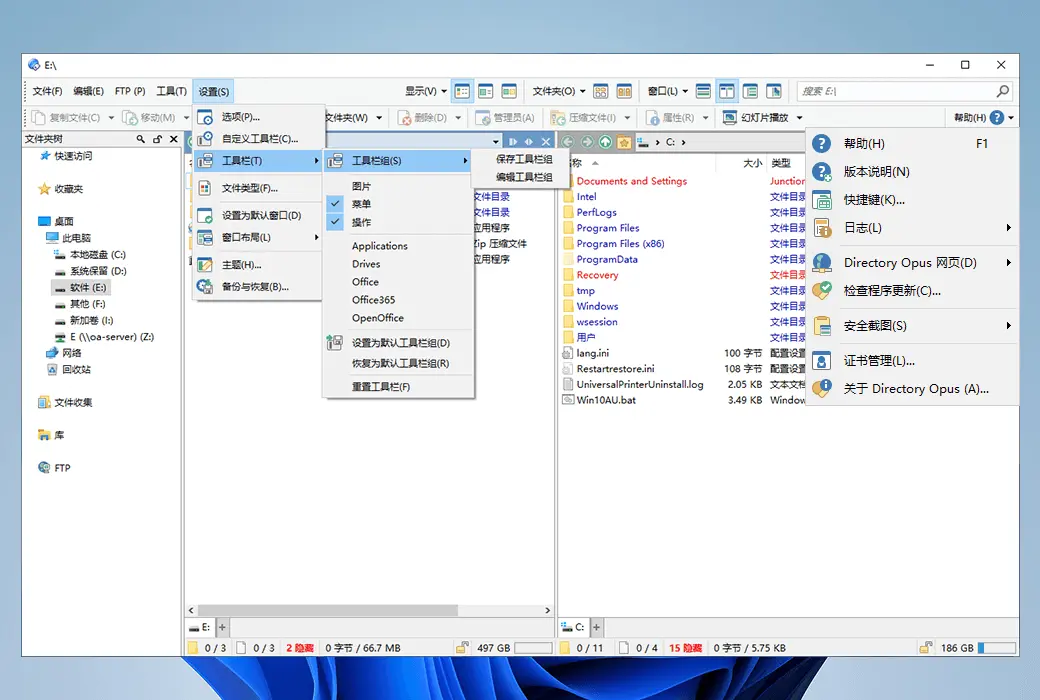
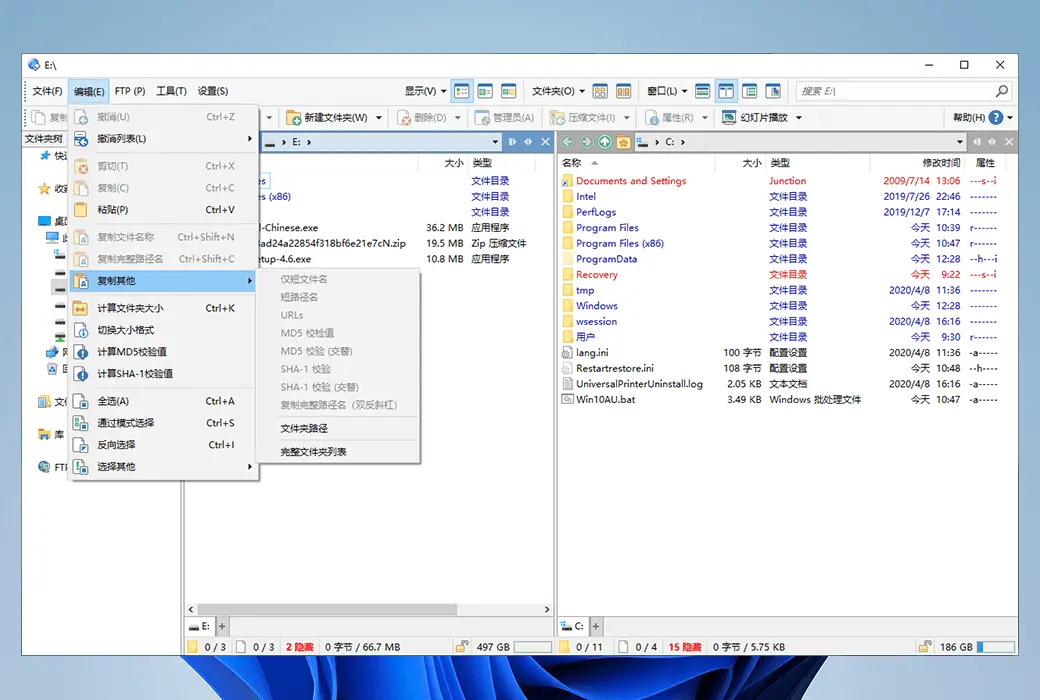
Directory Opus is a resource manager on the Windows platform, which is definitely the most fully functional and customizable one. You can complete almost all operations through it, including viewing image meta information, previewing images, reading text file content, batch renaming, compressing files, and FTP synchronization requests.
Directory Opus is a powerful, simple, and easy-to-use file resource management tool designed and developed by GP software company in Australia. Its main program adopts a user interaction interface similar to Windows system, which has good adaptability. Comparable to it is the well-known Total Commander file manager, which can be described as a dual peak confrontation and two water diversion. However, in terms of ease of use, Directory Opus is more suitable for the mouse community.
The main advantages of Directory Opus are reflected in two aspects: built-in functions and file collection. The rich data browsing, window arrangement, and preference settings bring great convenience to users. The "Resource Manager Replacement" setting can perfectly replace Windows Explorer, making file management operations smoother, simpler, more efficient, and more personalized. For those with large screens and frequent file operations, it is the right choice!
Replace Resource Manager
Directory Opus provides an option to replace the native resource manager. You can open your folders through Directory Opus in any state without having to start the Directory Opus main program and select a folder each time, improving efficiency.
Multi label window
It is worth mentioning that Directory Opus is no longer limited by native resource managers and provides users with a multi label, double-sided board operation mode. The activation panel is marked in blue and the accessed subdirectories are displayed in gray italics, which helps users operate both parent and subdirectory files simultaneously. The multi label window can help you record more folders without having to navigate or add shortcuts again Fast access and other cumbersome operations.
Link within tag
Another feature of Directory Opus is its support for intra tag links. You can associate two tags in the left and right windows, and synchronize the display of any tag in the other window when you activate it. For example, you can associate the 'Download' folder with the 'Archive' folder, which allows you to archive files while managing download projects.
100% customizable user interface
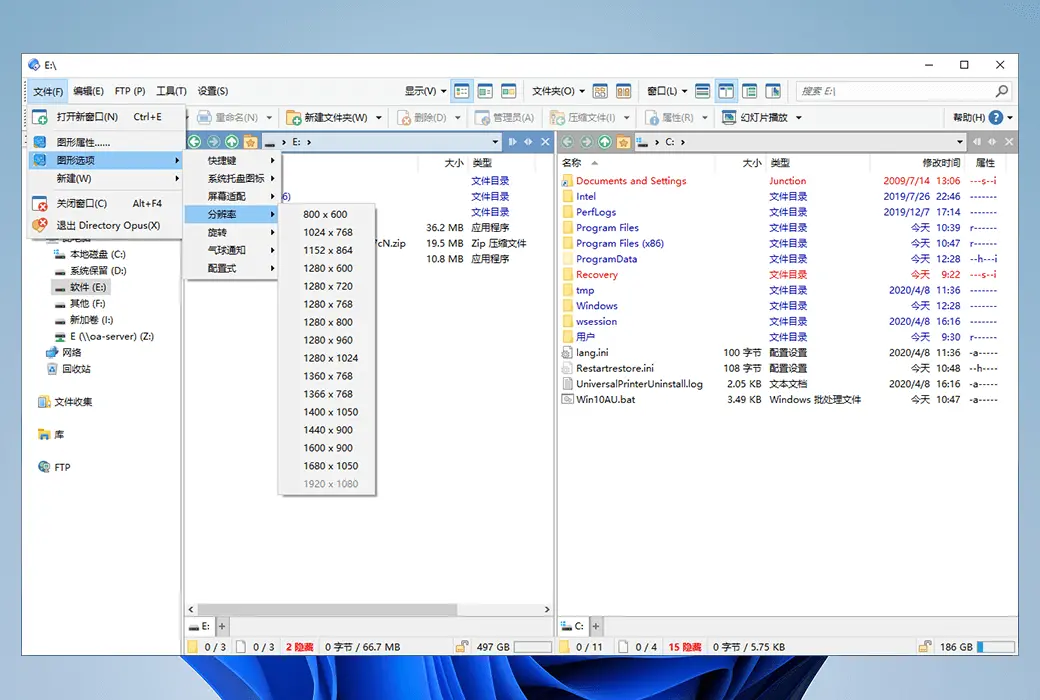
The panel window size of Directory Opus can be fully customized and provides very comprehensive file data information, allowing you to create your own personal style of Directory Opus. The information provided by Directory Opus is very comprehensive, including image file resolution, file hash value, program version information, audio and video tags, etc.
Not only that, you can also group the current folder by a certain label, such as file size, modification time, etc. At the same time, you can further adjust the display style in the "Options" panel, such as modifying the display colors of marked folders and files. You can even modify the status bar display information through scripts. The following figure shows how to add a display of disk usage. You can read the reference provided by the example and make adjustments using HTML code.
Powerful file content preview function
File content preview allows you to directly view the file content without opening it. For text files, the program will display the file content, while for executable files or other standard PE files, the program will display their hexadecimal content. If you need additional information or change the panel display method, you can choose the desired action from the pop-up menu by clicking the "Form" button on the upper right side.
Filter file names for faster file localization
File name filtering may be a feature that users need, such as finding copies of files with the word 'Copy' in a pile of files, but these files are scattered among them. This may help you with file name filtering. Just enter the full or partial file name to be filtered (displayed), and support wildcards. You can enter the filename extension of bd or bdc after d search.
FTP service support
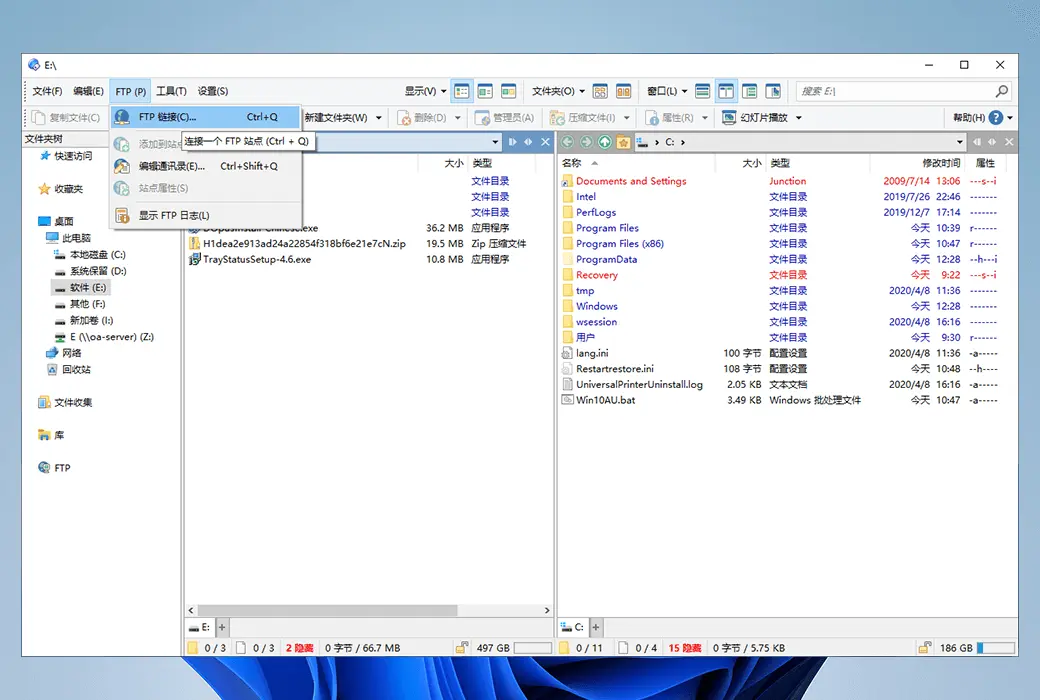
Directory Opus effectively implements FTP services and supports compressed file previewing without decompression. FTP can be installed locally or over a wide area network, and the browsing effect is consistent with managing local files. You can add the FTP information to the site list for the next direct connection. In the "Site List Management" menu, you can import or export list data.
Data backup and synchronization
Data backup may be an important part that many users are very concerned about. Directory Opus provides folder difference analysis to avoid unnecessary transfer time caused by direct replication. Of course, this feature is not only available locally, but you can also perform differential analysis and automatic synchronization with the FTP server.
Efficient file renaming function
As a resource manager, Directory Opus has also made great efforts in file renaming, supporting regular expressions, real-time effect previews, continuous numbering of information labels, and saving renamed templates. Through regular expressions, you can split the file name into two parts, with the file name part referenced using 1 and the extension part referenced using 2.
Official Website:https://www.gpsoft.com.au/
Download Center:https://directory-opus.apsgo.cn
Delivery Time: Automatic delivery within 24 hours
Operating Platform: Windows
Interface Language: Only supports Simplified Chinese interface display.
Update Instructions: Supports 1 year of updates and upgrades after purchase.
Trial Before Purchase: 30 days free trial.
How to Receive the Product: After purchase, the activation information will be sent to the email address used for ordering via email. You can also view the corresponding product activation code in your personal center, under "My Orders".
Number of Devices: Can be installed on 1 computer + an additional 1 laptop.
Changing Computers: Uninstall on the original computer and activate on the new computer.
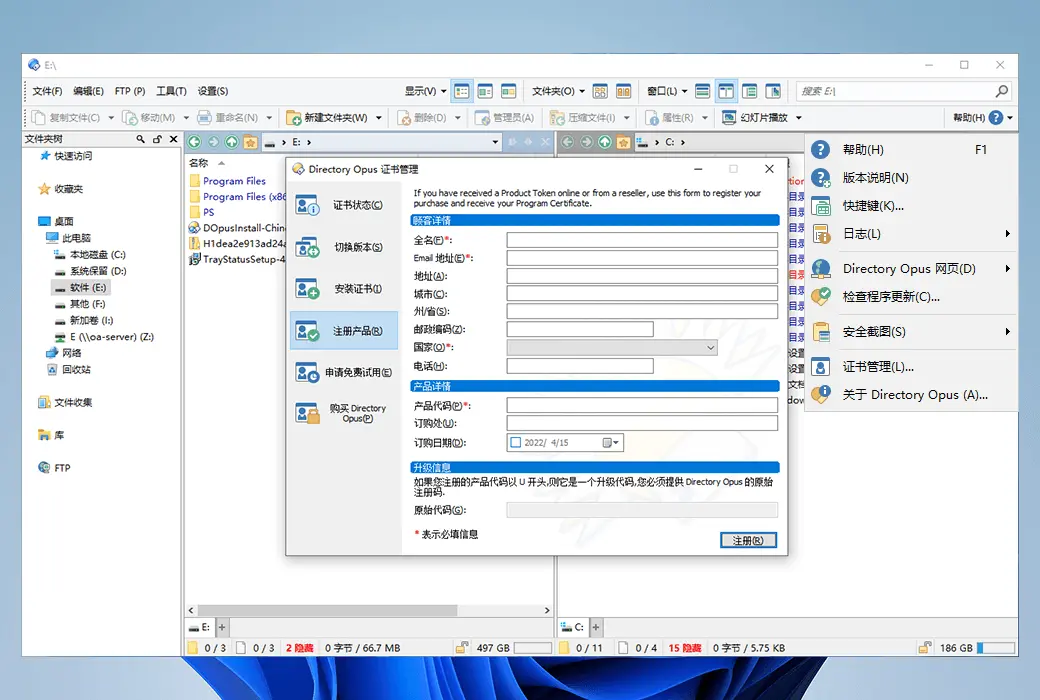
Activation Guide: Open the software, select "Help" (H) in the top right corner > "Certificate Management" > "Register Product" > copy and paste the product code, and fill in the relevant information to register and activate. Alternatively, activate online through the webpage: https://www.gpsoft.com.au/#tab-activate
Special Instructions: To be added.
References:https://docs.dopus.com/doku.php?id=licence:end_user

Any question